Nepali on-screen keyboard in Windows 11 and 10
Add the Nepali keyboard to Windows, switch to it, then press Windows key + Ctrl + O. The On-Screen Keyboard shows the Nepali letters of the active layout, so you can click them with the mouse or tap them on a touch screen.
Step 1: add the Nepali keyboard
The On-Screen Keyboard shows whichever keyboard layout is active, so Windows needs the Nepali keyboard first.
- Windows 11: Settings › Time & language › Language & region › Add a language › Nepali.
- Windows 10: Settings › Time & Language › Language › Add a language › Nepali.
Menu names can differ slightly between Windows updates. The Google Input Tools Nepali page has the steps in more detail.
Step 2: switch to Nepali
Press Windows + Space, or select the language button next to the clock, and choose Nepali.
Step 3: open the On-Screen Keyboard
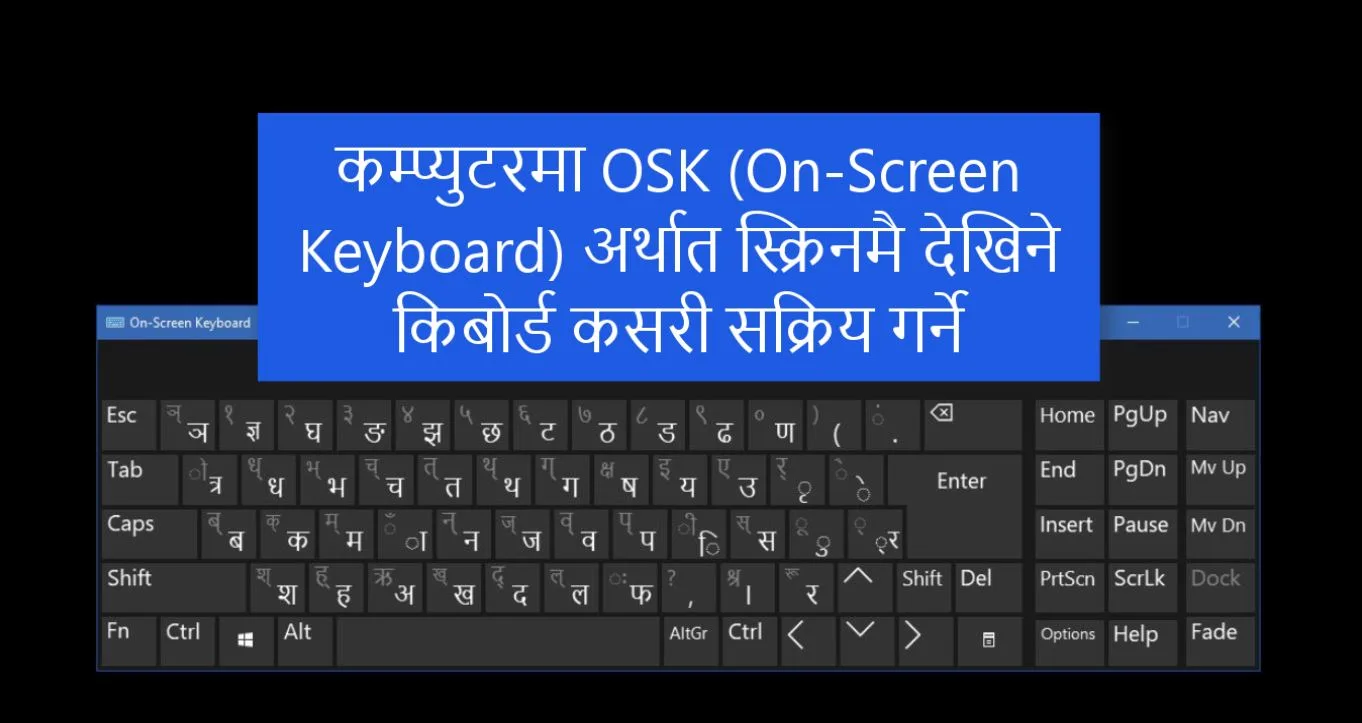
Press Windows + Ctrl + O. You can also turn it on in Settings:
- Windows 11: Settings › Accessibility › Keyboard › On-screen keyboard.
- Windows 10: Settings › Ease of Access › Keyboard › Use the On-Screen Keyboard.
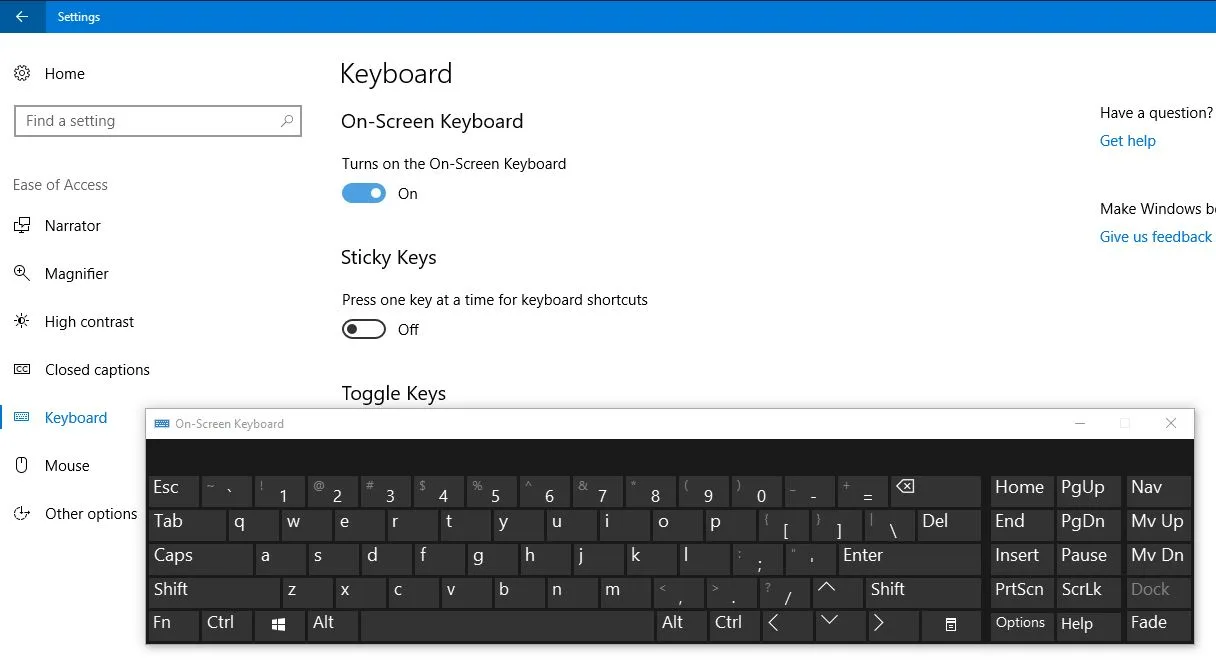
The keys now show Nepali letters. Click a key to type it into the program you are using. Hold Shift (or click it) to see the second letter on each key.
No setup: the online on-screen keyboard
On a shared or work computer where you cannot change settings, use the online Nepali keyboard. Choose the Traditional or Preeti layout and open On-screen keyboard to click letters with the mouse, or choose Romanized to type by sound. The Nepali keyboard layout page shows every key of both layouts.
Questions and answers
What is the shortcut for the On-Screen Keyboard?
Press the Windows key, Ctrl and O together. Press it again to close the keyboard.
Why does the On-Screen Keyboard show English letters?
It shows the layout that is active. Switch to Nepali with Windows key + Space, and the keys change to Nepali letters.
Can I see the Nepali layout without changing Windows settings?
Yes. The Nepali keyboard layout page shows every key, and the online keyboard has its own on-screen keys for the Traditional and Preeti layouts.