How to type Nepali on a laptop or PC
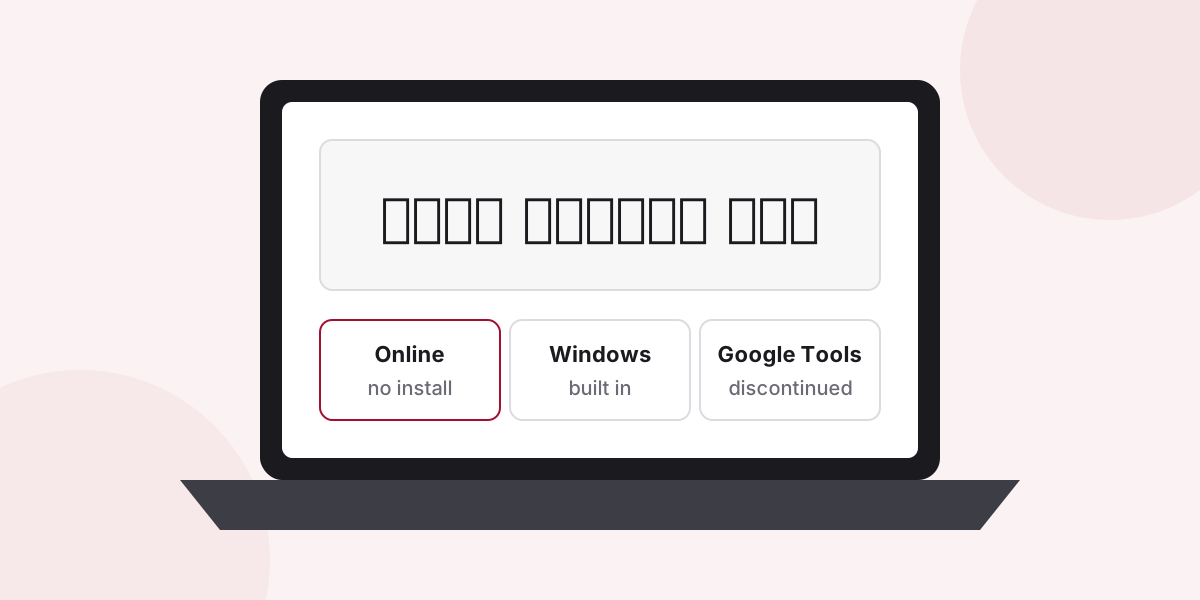
The quickest way is the online Nepali keyboard: open it in any browser, type by sound and copy the text anywhere. To type Nepali directly in every program, add the Nepali keyboard built into Windows.
Option 1: the online keyboard (nothing to install)
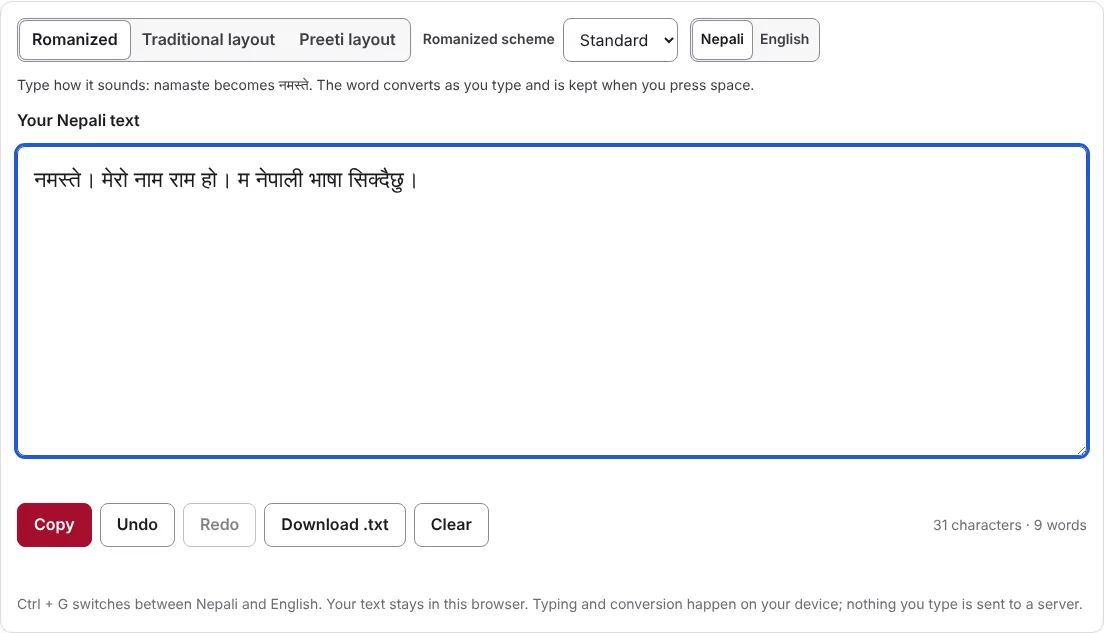
- Open the online Nepali keyboard.
- Choose Romanized and type how the words sound:
namastegives नमस्ते. - Select Copy and paste the text into Word, email, Facebook or any other program.
Your text is saved in your browser as you type, so a closed tab does not lose it. Typing happens on your computer; the text is not sent anywhere.
Option 2: the Nepali keyboard built into Windows
Windows includes a Nepali keyboard, so you can type Nepali directly in every program. It uses the Traditional Nepali layout, not typing by sound.
Windows 11: open Settings, then Time & language, then Language & region. Next to Preferred languages, select Add a language, search for Nepali, and install it.
Windows 10: open Settings, then Time & Language, then Language. Select Add a language, choose Nepali and install it.
Switch between English and Nepali with Windows + Space. The full steps, with tips for people who learned on Preeti, are on the Google Input Tools Nepali page.
Option 3: Google Input Tools (discontinued)
Google no longer offers Google Input Tools for Windows, and it gets no updates. The Google Input Tools Nepali page explains its status and links Google’s archived download page, but most people are better served by options 1 and 2.
Which should you choose?
| You want to… | Use |
|---|---|
| Type by sound, right now | The online keyboard |
| Type Nepali inside every program | The Windows Nepali keyboard |
| Use Preeti key positions in Unicode | The online keyboard’s Preeti layout |
| Fix old Preeti documents | The Preeti to Unicode converter |
Questions and answers
Is there Hamro Keyboard for PC?
Hamro Nepali Keyboard is published as a phone app for Android and iPhone. On a laptop or PC, use the online keyboard or the Nepali keyboard built into Windows.
Can I type Nepali by sound on Windows without installing anything?
Yes. Open the online Nepali keyboard, choose Romanized and type words as they sound, for example namaste for नमस्ते. The Windows keyboard uses the Traditional layout instead.
Does this work on a Mac or Chromebook?
The online keyboard works in any modern browser, on any computer. The Windows steps on this page are for Windows only.