Hamro Keyboard: install it and type Nepali
Hamro Nepali Keyboard is a free phone keyboard from Hamro Patro for typing Nepali in any app. Install it from your app store, then turn it on in your phone's keyboard settings.
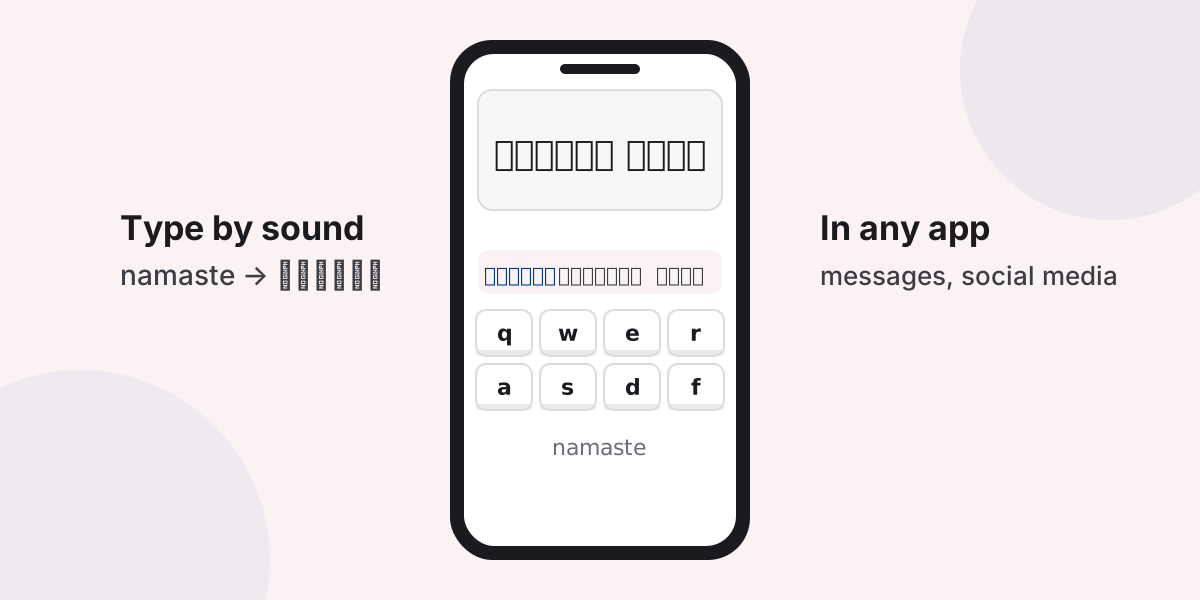
What it is

Hamro Nepali Keyboard is a keyboard app published by Hamro Patro for Android and iPhone. Once it is turned on, you can type Nepali in messages, social media and any other app without copying and pasting. Its App Store listing describes three ways to type: Unicode transliteration (type by sound), a Romanized layout based on Madan Puraskar Pustakalaya’s, and the Traditional layout.
Install on Android

- Install Hamro Nepali Keyboard from Google Play.
- Open the app and follow its steps to turn the keyboard on.
- If you prefer to do it yourself, open Settings, search for On-screen keyboard or Manage keyboards, and turn on Hamro Keyboard.
- In any text box, switch keyboards with the keyboard button in the navigation bar or the globe key.
Settings menus differ between phone makers, so the names may not match exactly.


Install on iPhone
- Install Hamro Nepali Keyboard from the App Store.
- Open Settings, then General, Keyboard, Keyboards, Add New Keyboard, and choose Hamro Keyboard.
- Tap the globe key on the keyboard to switch to it.
If the app asks you to Allow Full Access, read what it is for first: full access lets a keyboard use the network. iPhone also has a built-in Nepali keyboard that needs no extra access.
No app needed: type online
The online Nepali keyboard works in your phone’s browser. Choose Romanized and type words as they sound, or use the Traditional or Preeti layout on the on-screen keyboard, then copy the text into any app.
Questions and answers
Is Hamro Keyboard free?
It is listed as free on the App Store. Check the store listing for the current details.
Which typing styles does Hamro Keyboard offer?
Its App Store listing describes Unicode transliteration (typing by sound), a Romanized layout based on Madan Puraskar Pustakalaya's, and the Traditional layout.
Can I type Nepali without installing a keyboard app?
Yes. The online Nepali keyboard runs in your phone's browser. Type there and copy the text into any app.